

Table of Contents
Executive Summary
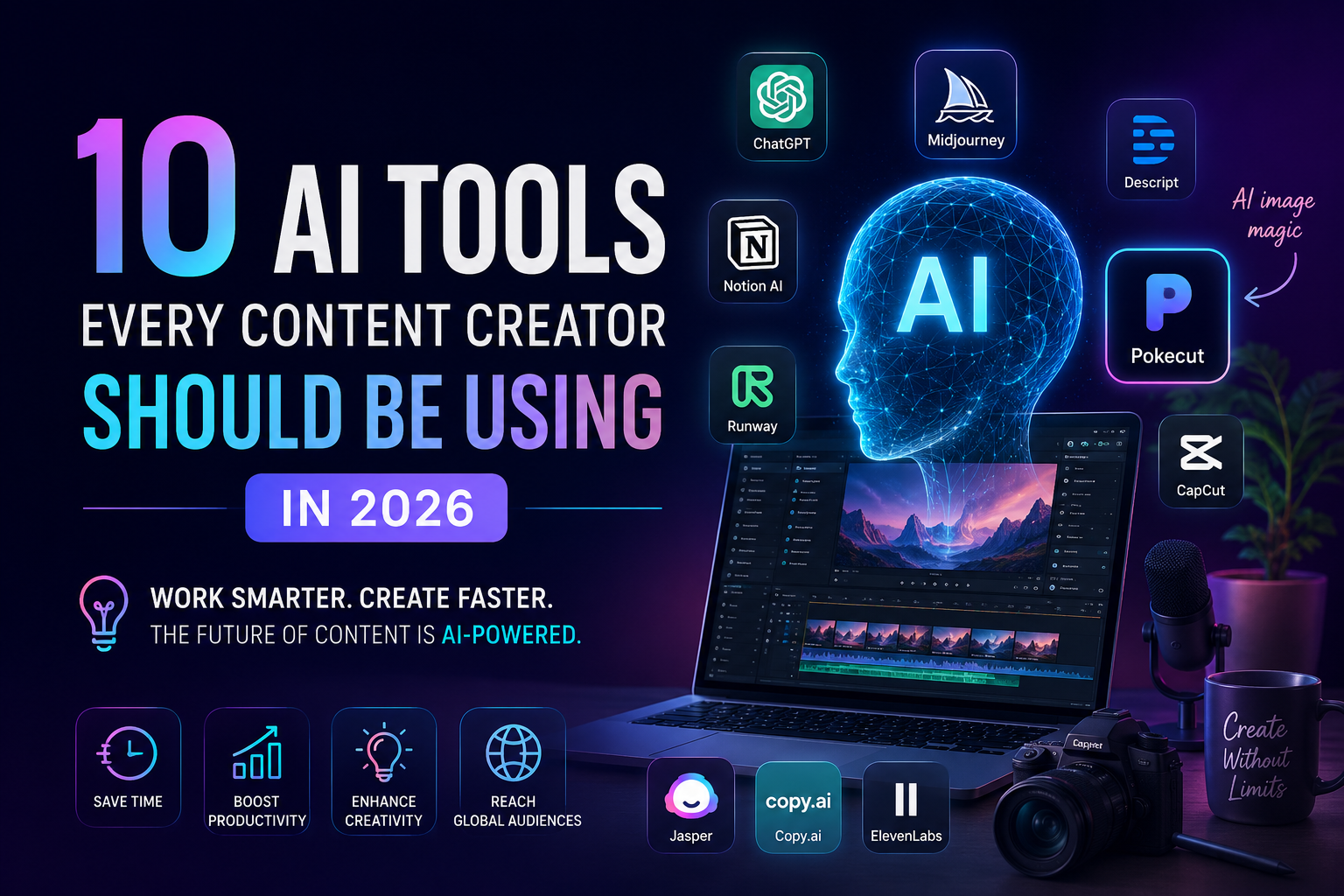
AI-driven tools have revolutionized content creation, enabling creators to generate ideas, scripts, imagery, audio, and video faster and at scale. In 2026, a hybrid workflow might begin with a creative prompt (e.g. in ChatGPT) and flow through design (e.g. Canva AI), narration (ElevenLabs), and video production (Runway, Synthesia, Pika) with real-time translation and analytics. Below are 10 essential AI tools (ranging from text and audio to video and design) each with a concise description, a standout advanced use case, and a practical tip for adoption. These selections emphasize new features and integration patterns (e.g. agentic workflows or cross-tool pipelines) and cite recent announcements and papers for each. We also provide a tool-vs-task comparison table and a sample 2026 workflow diagram.
| Tool | Best-fit Tasks |
|---|---|
| ChatGPT (GPT-5) | Ideation, Scripting, SEO Optimization |
| Google Gemini Omni | Video Creation, Editing, Storyboarding |
| Runway (Gen-4.5) | Video Generation, Interactive Avatars |
| Pika Labs | Text-to-Video, Video Editing |
| Descript | Audio/Video Editing, Transcription, Localization |
| Synthesia | Avatar Video Creation, Localization (Multilingual Dubbing) |
| ElevenLabs | Voice Generation, Audiobook/Podcast Production, Localization |
| Pokecut | Image Editing & Generation, Branding Graphics |
| Canva (Magic Studio) | Design, Visual Content Layouts |
| Adobe Podcast (Shasta) | Audio Enhancement, Source Separation, Localization |
ChatGPT (GPT-5)
GPT-5, the 2026 version of ChatGPT, is a unified LLM that excels at creative writing and reasoning. It can instantly draft outlines, scripts or even marketing copy with literary nuance and reliable structure. Use case: Ask GPT-5 to brainstorm a video script with a specific tone (e.g. “Write a witty product tutorial as a dialogue between two experts”) – it can sustain free-form conversation style or poetic structure seamlessly. Tip: Trigger GPT-5’s “thinking” mode for complex tasks by explicitly prompting “think through this” or “step-by-step” to improve long-form output quality. Also combine GPT-5 with web search or SEO plugins for fact-checking and keyword optimization.
Google Gemini Omni (Video Generation)
Gemini Omni is Google’s multimodal model that “can create anything from any input – starting with video”. Integrated into the Gemini app and YouTube tools, Omni lets creators generate and edit videos via natural conversation (e.g. “change the sky to sunset, add dramatic music”), even inserting your own AI avatar into clips. Use case: Instantly transform raw footage by saying “add cinematic zoom and slow-motion” in the Gemini app, or remix a YouTube Short by prompting the model to “make me the main character of this scene”. Tip: Use Omni’s YouTube Shorts Remix feature for zero-cost trial: pick an existing short video and prompt edits (like background or character changes) to produce polished UGC content without extra gear. Geminis’s early access in YouTube Shorts can speed up short-form video production.
Runway (Gen-4.5 and Characters)
Runway’s Gen-4.5 is a leading AI video model delivering cinematic, high-fidelity clips from text prompts. It also offers Runway Characters, an API to create fully animated, conversational video avatars from a single photo. Use case: A marketer can generate a custom tutorial video by uploading a company logo and prompting “a diverse presenter explaining our new feature” – Runway creates a talking-head avatar matching your brand persona. Designers have used Characters to animate historical figures or game NPCs conversationally. Tip: Use Runway’s cloud API to integrate video gen into your pipeline: for example, feed your script from ChatGPT into Runway’s “Scene” to auto-generate B-roll or explainers. Experiment with the “Characters” real-time agents for interactive sales or FAQ videos on your site.
Pika Labs (Text-to-Video)
Pika Labs’ Pika 2.2 model (Feb 2025) generates short videos (5–10 sec at up to 1080p) from text or image prompts. It introduces Pikaframes for keyframe animation, plus tools to insert new elements or swap objects in existing video: PikaScenes merges multiple elements into one scene; Pikadditions adds objects to footage; Pikaswaps replaces elements smoothly. Use case: An indie game dev could use Pika to preview a cutscene: upload a character image and text prompt for a fantasy background, then drop that into gameplay footage using PikaScenes. Or enhance a product promo by replacing a plain wall with a dynamic graphic via Pikaswaps. Tip: Because Pika generates only a few seconds, use it for teasers or looping B-roll. For longer videos, plan multiple 5–10s segments and stitch them together in an editor. Always try the multi-aspect-ratio options (16:9, 9:16, etc.) for platform-specific drafts.
Descript (AI Video/Audio Editor)
Descript is an all-in-one transcript-based editor: upload audio/video and it transcribes instantly, letting you edit by cutting text. It offers AI avatars, Overdub voice cloning, filler-word removal, and now unified media generation for images and video. Use case: Record a voiceover in your studio, then use Descript’s Overdub to clone it and automatically dub into other languages with synchronized lip-sync. It also auto-captions and can translate videos; improved lip-sync means dubbed tutorials look natural. Tip: Leverage Descript’s Scenes panel for storyboarding: you can now generate placeholder images or video for a blank scene directly in the editor. For example, write a scene outline in ChatGPT, paste into Descript, and generate visuals on the fly. Finally, use the “Regenerate Speech” model updates to refine any AI-voiced lines so they match your tone.
Synthesia (AI Avatar Video)
Synthesia is an enterprise-grade AI video studio. It lets you create videos from text with realistic avatars and voices in 160+ languages. Its 2025 updates include Express-2 avatars (more natural gestures), AI dubbing into 130+ languages with one-click voice cloning, and interactive features like quizzes and branching scenarios. Use case: A training team can convert existing corporate videos into multilingual e-learning: upload a script and let Synthesia auto-generate the video in multiple languages (with synced AI voices), then sprinkle interactive quizzes inside for engagement. Tip: Use the Bulk Dubbing feature to localize content at scale (translate and lip-sync whole video playlists at once), and explore the “Interactive” mode to add call-to-action overlays or CTAs. For rapid prototyping, try their “Script-to-Video” beta where you feed a full script and get a rough video draft immediately.
ElevenLabs (Voice & Audio)
ElevenLabs offers ultra-realistic AI speech and voice cloning in 70+ languages. You can clone your own voice or design new voices via prompt, and even generate soundtracks or SFX. It now combines voice, music, and even basic image-to-video generation (beta), positioning it as a one-stop multimedia creator. Use case: A content creator could write a newsletter, feed it into ElevenLabs to generate a matching spoken version with a brand voice, and then use the new image/video tools to create accompanying visuals—all inside one platform. Podcasters use it to produce episodes with natural-sounding co-hosts. Tip: Use Voice Design tags (e.g. “[whisper], [excited]”) in prompts to control emotion. Also try ElevenCreative’s timeline to layer music and effects under narration. For multilingual reach, clone your voice once and ask it to speak in different languages using the integrated translation.
Pokecut (AI Photo Editor)
Pokecut is an all-in-one AI image editor aimed at social and e-commerce content. It automates tasks like background removal, batch resizing, and object cleanup, and offers prompt-driven image generation for creative graphics. Use case: Small-brand creators use Pokecut to process product photos: remove clutter, adjust lighting, and switch backgrounds (e.g. solid color to styled scene) in seconds rather than hours. Its batch tools can reformat dozens of pictures to fit different social media sizes in one go. Tip: Link your brand assets: use Pokecut’s collage and template features to instantly compose storyboards or Instagram carousels from travel photos or product shots. For example, upload a series of travel snaps and use the collage maker to create a dynamic blog hero image. Learn more and try tutorials at Pokecut.
Canva (Magic Studio AI)
Canva’s Magic Studio AI integrates design and content generation into its editor. You can prompt Canva to create layouts or write copy (Magic Write) and it “pulls context from your connected tools to generate on-brand designs”. Use case: For social media content, describe a campaign (“minimalist launch post for new app”), and Canva generates multiple editable templates that match your brand kit (colors, logos) automatically. Or use Magic Write to draft LinkedIn captions, then Magic Resize to adapt visuals for different platforms in one click. Tip: Connect your data sources (e.g. Google Sheets or brand guides) so Canva’s AI knows your style guidelines. Use the “Chat” interface to refine designs (“make font larger”), which keeps you in the flow without leaving Canva.
Adobe Podcast (Project Shasta)
Adobe Podcast (formerly Project Shasta) is a new AI audio editor with advanced cleanup and mixing. It features Enhance Speech for removing noise and now offers source separation to split vocals, music, and ambience into stems. Use case: A vlogger with noisy recordings can use Source Separation to isolate the spoken narration and completely remove background music or crowd noise, then re-add a licensed track without overlap. Podcasters use it to isolate and remix segments from interviews. Tip: Take advantage of multitrack recording: record remote guests in separate channels and let Adobe automatically align and clean each voice. Experiment with the new Remote Video Recording feature for recording high-quality voiceovers or interviews without a studio. After processing, export separate tracks to send to sound designers or re-synthesize different background scores.
Analyze Your Website with LevelAI
Whether you’re managing a blog, business website, or online marketplace, understanding how search engines and AI systems interpret your pages is becoming increasingly important. LevelAI provides a free website analysis covering technical SEO, content structure, and AI search readiness along with practical recommendations you can apply immediately.